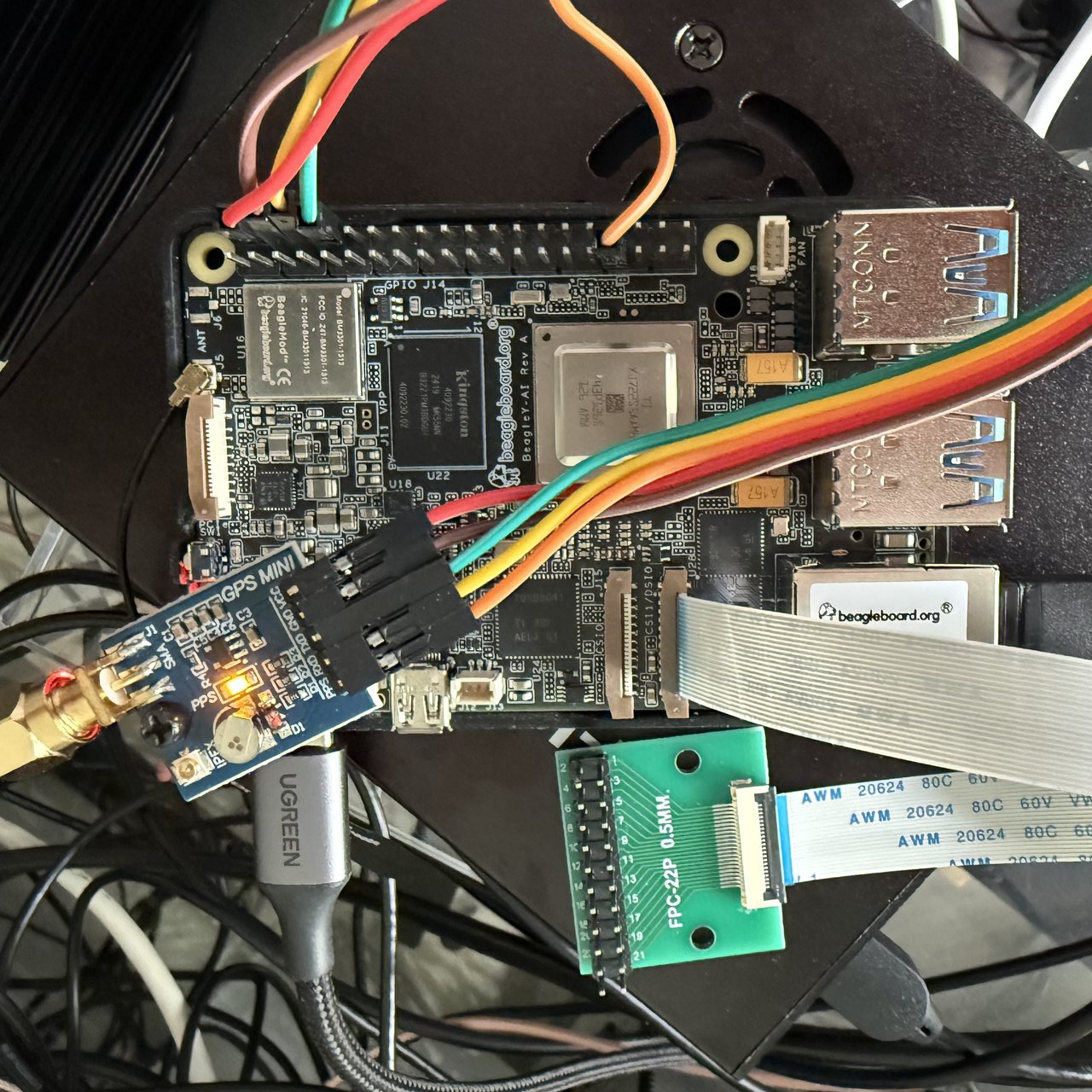
NXP FRDM-IMX8MPLUS as a PTP grandmaster
I got another board working as a PTP grandmaster: the NXP FRDM-IMX8MPLUS. It has both external timestamping and periodic output available on different pins on the 40-pin header.
There’s a lot of history in the name. The i.MX range was launched by Motorola in 2001. Motorola became Freescale in 2004, which launched the Freedom range of development boards. NXP (originally Philips Semiconductors) merged with Freescale in 2015.
This is more of an industrial development board than something targeted at an individual enthusiast. I bought it for $240 at Mouser, which is relatively cheap for this kind of thing. Main specs are 4 x Cortex-A53, 4 GB RAM, 32 GB eMMC. It’s a bit faster than a Raspberry Pi 3B+, but considerably slower than a Raspberry Pi 4. So in terms of CPU performance, it isn’t price competitive.
It comes with Yocto on the eMMC, which isn’t my cup of tea. So I set it up to have U-Boot on the eMMC boot Debian on the SD card. External timestamping and periodic output need an overlay. Apart from that, things work reasonably well in mainline Linux 7.3.
Initial testing showed the PHC resolution is 20 ns: stmmac sets it to two PHC clock cycles, and the PHC clock runs at 100 MHz. This significantly limits the accuracy possible from a GNSS receiver. With a bit of encouragement, my coding agent figured out a rather nifty way to improve on this. The idea is to modify the device tree to make the PLL normally used for video (LVDS and MIPI-DSI) supply a 200 MHz clock to the PHC, thus reducing the resolution to 10 ns. I was rather amazed this worked.
I have found this board useful because it allowed me to test SatPulse with a new Ethernet driver (stmmac). It allowed me to make a couple of PTP-related improvements, which are in 7.4-rc3. The fact that this board works with mainline Linux makes life much easier. I also like that NXP makes very complete hardware documentation available. However, for use as a time server, I think there are better choices.
The process of setting it up is a bit involved. I created a repo to document the steps.